ADHD on the web: How to stop visual distractions and increase user engagement
5. January 2026 · Sebastian Pokern
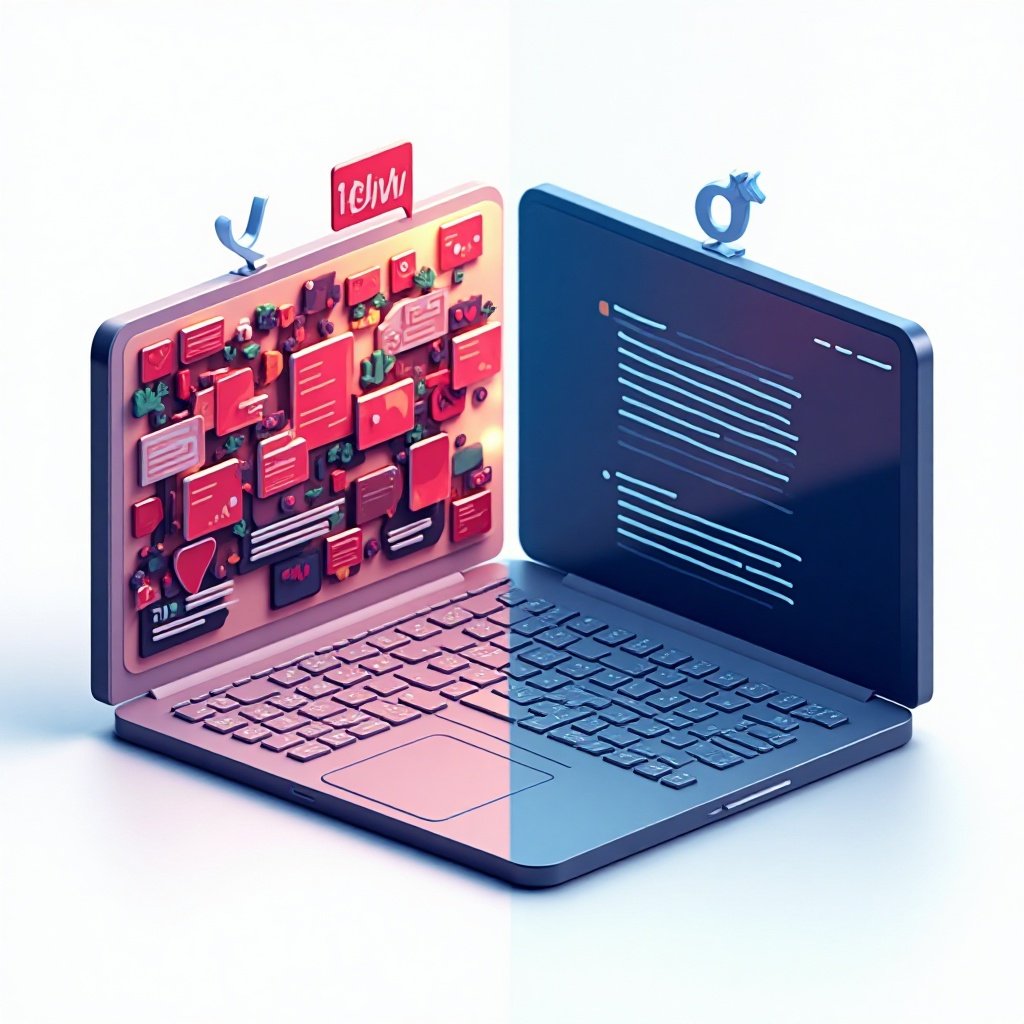
Our brains are bombarded with a flood of information online every day. For people with ADHD (Attention Deficit / Hyperactivity Disorder), this digital noise is not just exhausting, but often an insurmountable barrier. When everything is competing for our attention—from animated ad banners to pop-up chat windows—focused reading becomes impossible. Cognitive accessibility begins where we actively reduce distractions.
The challenge: The web as an attention thief
Visual noise and sensory overload
The internet is designed to capture our attention—often by any means necessary. Even for neurotypical brains, filtering out irrelevant stimuli is difficult. For a brain with ADHD, which reacts particularly strongly to new impulses, it becomes a constant battle against distraction.
The consequences for users and site owners
When cognitive load becomes too high, the brain responds with stress and fatigue. The result is “digital escape”: users abandon the process and leave the website prematurely. High bounce rates are often the direct result of overstimulating design that fails to consider users’ ability to concentrate.
How focus tools save the user experience
Stopping animations: calm at the push of a button
Movement magically attracts the human eye. A blinking GIF or an autoplay video at the edge of the screen makes it almost impossible to read static text in the center with focus. With MH-Accessibility Pro, users can pause all non-essential animations at the push of a button. The website instantly becomes calm and static.
The reading mask: tunnel vision for better concentration
The reading mask works like digital blinders. The entire page content is gently dimmed, while only a bright horizontal strip around the cursor remains visible. This “tunnel vision” helps users focus exclusively on the current line without being distracted by the rest of the page.
Intelligent spacing for visual clarity
Elements placed too closely together appear chaotic and overwhelming. Our intelligent spacing control (Smart Spacing) automatically creates more white space. This added breathing room has a calming effect on the eye and helps the brain structure information more clearly and process it more quickly.
The business case: why focus pays off
Increased time on site and conversions
A website designed with cognitive accessibility in mind keeps users on the page longer. Those who can consume content calmly are more likely to build trust and complete a purchase or sign-up. Focus tools are therefore not just an inclusive feature, but a direct lever for optimizing your conversion rate.
Legal certainty and WCAG compliance
The international WCAG 2.1 guidelines also require that users have control over moving or automatically updating content. By implementing an animation stop, you take a decisive step toward meeting the legal requirements of the Accessibility Strengthening Act (BFSG).
Conclusion: A calmer web is a better web
By giving people with ADHD the tools they need for focused use, you create an inclusive digital environment. You demonstrate an understanding of neurodiversity while also benefiting from improved user metrics. With MH-Accessibility Pro, you can integrate these advanced focus tools into your WordPress site without any additional programming effort.
Would you like to calm your website down? Try MH-Accessibility Pro and discover how easy digital inclusion for all users can be.