Epilepsy prevention on the web: why flickering content can be dangerous
6. January 2026 · Sebastian Pokern
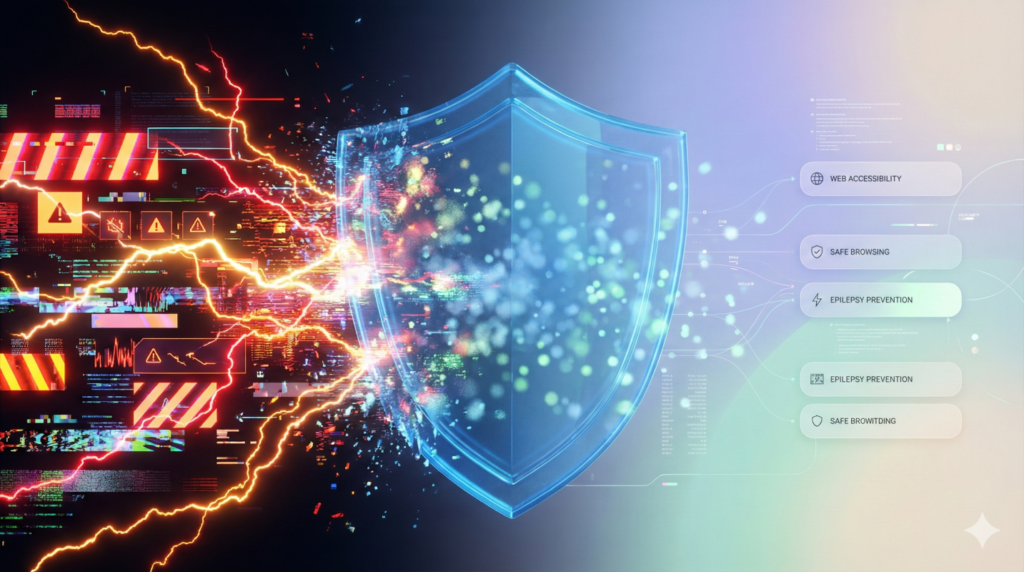
Modern websites often rely on motion: video backgrounds, animated banners, and dynamic transitions are designed to capture users’ attention. But what looks like modern design to most visitors can be life-threatening for people with photosensitive epilepsy. In this context, digital accessibility is not just about comfort—it is a matter of real safety precautions.
What is photosensitive epilepsy in a digital context?
The danger of flashing lights and patterns
In photosensitive epilepsy, the brain reacts extremely sensitively to certain visual stimuli, such as rapid flickering or repetitive geometric patterns. On the internet, these triggers can be caused by poorly coded animations, extremely fast color changes, or videos that start automatically.
Not just epilepsy: migraine and vestibular disorders
In addition to epileptic seizures, uncontrolled animations can also cause dizziness, nausea, and severe headaches in people with chronic migraines or vestibular disorders (balance disorders). An accessible web experience therefore protects a much larger group of users than is often assumed.
Legal and technical standards (WCAG)
The critical threshold for flashing
The WCAG 2.1 guidelines define clear limits: content must not flash more than three times per second (the so-called “Three Flashes Threshold”). If this limit is exceeded, a website is considered inaccessible—and in the worst case, dangerous for certain user groups.
User control over moving content
A core principle of accessibility is self-determination. Users must be able to pause or completely hide animations that last longer than five seconds or start automatically. This is a key requirement of the upcoming Accessibility Strengthening Act (BFSG).
Prevention at the push of a button with MH-Accessibility Pro
The global animation stop
Our plugin offers one of the most important safety features for your visitors: the animation stop. With a single click, all GIFs, CSS animations, and video backgrounds on the page are frozen. Users regain full control over their visual environment.
Stopping autoplay content
MH-Accessibility Pro prevents audio or video content from starting without consent. This not only reduces cognitive load for people with ADHD, but also eliminates the risk of unpredictable visual stimuli for people affected by epilepsy.
Color reduction and saturation control
Often it is extremely bright color combinations that overwhelm the visual system. Using our widget, users can reduce saturation or switch to a monochrome mode, instantly lowering the visual intensity of the website and increasing safety.
Conclusion: Safety as a quality feature of your website
An accessible website is a safe website. By implementing features that prevent flashing and uncontrolled animations, you protect your users’ health while also complying with key legal requirements such as the BFSG. With MH-Accessibility Pro, you can take this important step toward inclusion easily and effectively.
Safety comes first. Protect your users and make your website WCAG-compliant.